

$4.89
Checking availability
See if it's really the one
Search with this product to compare it, find similar styles, or turn up something better before deciding.
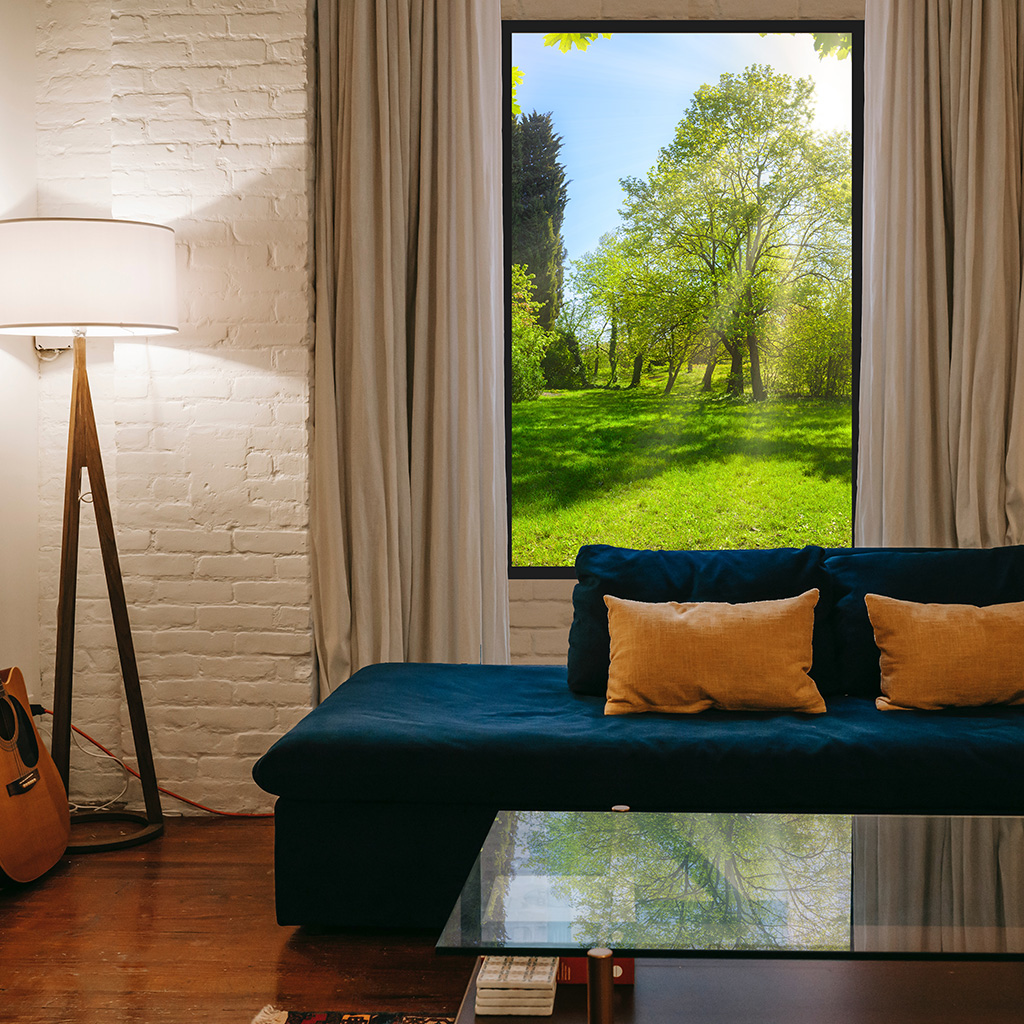
bwg_main_ready(jQuery("#bwg_container1_66")); } } }); } Helpful information about option selections REMOTE CONTROL & DIMMING It has the ability to be dimmed with the remote control and at the same time, it functions as an on/off for the product. If this option is selected as “no”, the dimming option will not be added and the product can be turned on/off by plugging its own cable into the socket. However, if you wish, you can also connect to the electrical switch with the help of a technician. IMAGE CATEGORY CODE & IMAGE NO The landscape image on the product image is a sample image only. An image you like from the image library will be applied to this product for your order. The images in the image library are divided into categories and the images in each category are numbered. Therefore, before adding the product to your cart, please visit the image library above the page and note the category you are interested in and the image no you like in that category. Sample: ST41 /ST = image category (Seascapes and tropics) , 41 = image no USAGE Usage indicates whether you want to use the product horizontally (Landscape) or vertically (Portrait) on the wall. This is how we process the image you have chosen during the production phase. IMAGE COORDINATE The image coordinate shows us which part of the image you like from the library should be used on the product. Since the images in the image library are usually in landscape format, if you have chosen landscape as the usage, it will be directly compatible. However, if you have chosen your use as portrait, there will be more than one variation for the image you have selected. In order to maintain the proportion, we will need to crop the image while adapting the selected image to the portrait format. Therefore, the selected area we will use can be in the middle, left, or right of the image. It can even be between the left side and the middle. For landscape usage, you may sometimes want to get a more realistic window view. You may want to use an image above the horizon, especially for (clerestory) windows positioned above eye level. In this case, you can choose the image coordinate instead of “center”. REVIEWS ON GOOGLE Prosky Panels4.9Based on 88 reviewspowered by Googlereview us onKevin Dickin3 months agoAbsolutely chuffed with the end result. I bought this fake window frame with a bit of hesitation not sure how it would end up looking but have to say that with the extras such as curtains and a shelf (to mimic a windowsill), it’s added such an amazing upgrade to a windowless internal room. ProskyPanels service was top quality service from start to finish. Again, I was a little apprehensive but shouldn’t have been as they have been great, same as the quality of their product. My only recommendation would be: a. provide batteries for the remote control (for a premium product and a premium price it’s not much to ask for) and b. an installation video would be great and easier to follow than the small installation sheet that comes with the product. Other than the above, great all around
Have a question about this?
We currently ship within the US, with more countries coming soon.
Final cost and dates are confirmed at checkout.
🇺🇸 Ship from USA · On Agora since 2026
$4.89